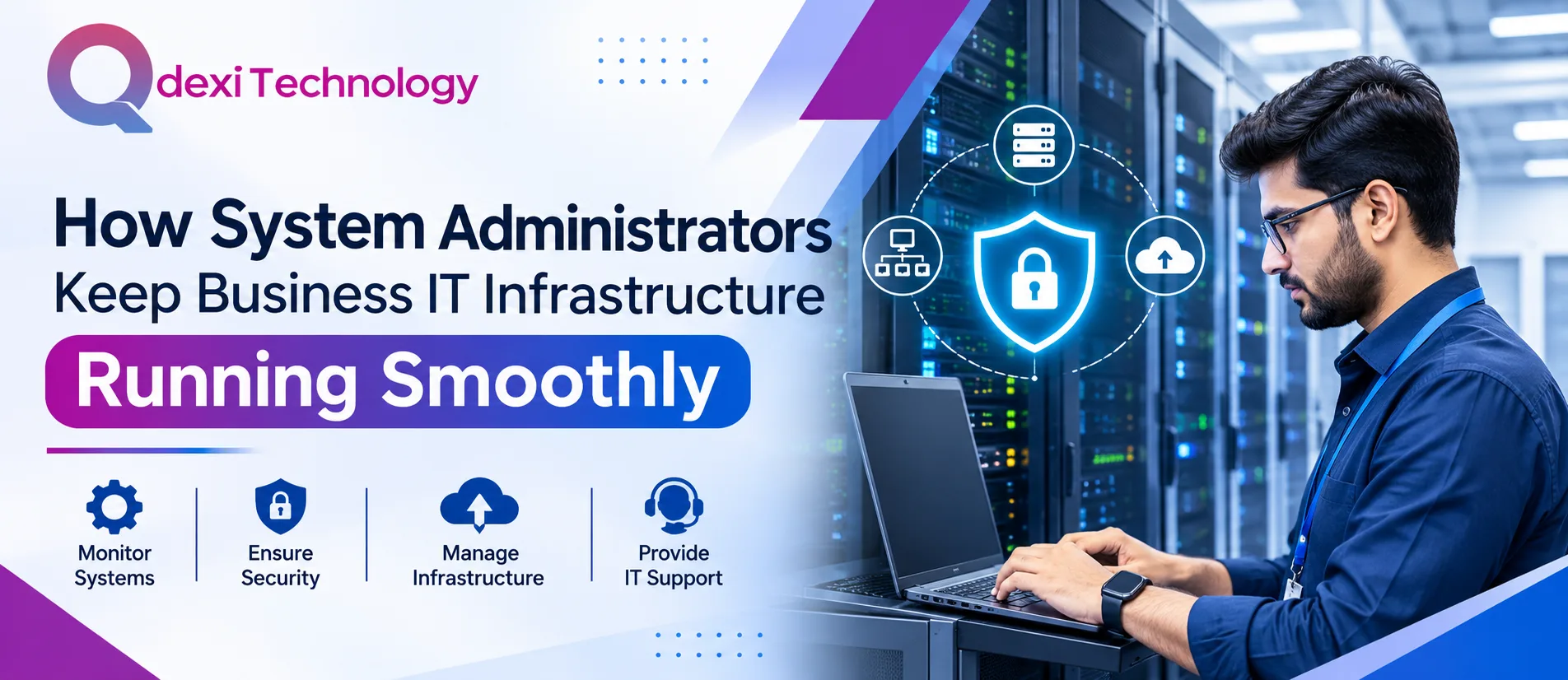
Modern businesses depend on technology to manage daily operations, communicate with customers, store information, and deliver services. From computer networks and servers to business applications and cloud platforms, every IT component needs proper management to function efficiently. Even a minor technical issue can interrupt productivity, delay important tasks, and affect customer satisfaction.
This is where system administrators play an important role. They monitor IT infrastructure, maintain systems, resolve technical problems, and protect business data. With reliable IT management and Remote Desktop & IT Support, organizations can reduce downtime and maintain smooth business operations.
1. Monitoring IT Infrastructure and System Performance
One of the primary responsibilities of system administrators is continuously monitoring IT infrastructure. They check servers, networks, storage systems, and applications to identify performance issues before they affect employees.
Regular monitoring helps administrators:
-
Identify unusual system activity.
-
Detect server performance problems.
-
Monitor network connectivity.
-
Track storage capacity and resource usage.
-
Prevent unexpected system failures.
These activities help businesses maintain stable IT environments and avoid unnecessary operational interruptions.
2. Maintaining Network and Server Security
Business infrastructure contains valuable information, including customer records, financial documents, and internal company data. Protecting these resources is an essential responsibility of system administrators.
They implement security measures such as firewalls, access controls, antivirus solutions, and regular security updates. They also monitor suspicious activities and ensure that employees follow appropriate security practices.
A secure infrastructure allows organizations to protect sensitive information while maintaining reliable access to essential business applications.
3. Providing Technical Support and Troubleshooting
Employees often experience technical difficulties involving software, hardware, network connections, and system access. System administrators help resolve these problems so that daily activities can continue without unnecessary delays.
Remote troubleshooting is particularly useful for businesses with distributed teams. Through Remote Desktop & IT Support, technical professionals can diagnose issues, configure systems, install updates, and assist employees without always requiring an on-site visit.
Quick technical assistance improves employee productivity and reduces the time spent dealing with IT-related interruptions.
4. Managing Software Updates and Website Maintenance
Outdated software can create security vulnerabilities, compatibility issues, and performance problems. System administrators regularly update operating systems, business applications, and essential infrastructure components.
Businesses also need proper website maintenance to ensure their online platforms remain secure, accessible, and functional. Regular backups, plugin updates, performance checks, and security monitoring are important parts of this process.
Organizations using WordPress Website Design Services can also benefit from ongoing technical maintenance to keep their websites updated and user-friendly.
5. Supporting Business Applications and Digital Platforms
Businesses use different digital platforms to manage sales, customer relationships, marketing, communication, and internal workflows. System administrators ensure these applications operate correctly and remain accessible to authorized users.
For example, a Website Marketing Agency depends on reliable systems to manage campaigns, analyze website performance, and coordinate digital activities.
Similarly, a PPC Advertising Company needs stable platforms and uninterrupted access to campaign management tools. Reliable IT infrastructure supports these activities and helps teams work efficiently.
6. Managing Data Backup and Disaster Recovery
Unexpected events such as hardware failures, cyberattacks, accidental deletion, or power interruptions can result in data loss. System administrators establish backup procedures to protect important business information.
Their responsibilities include:
-
Scheduling regular data backups.
-
Maintaining secure backup storage.
-
Testing data recovery procedures.
-
Monitoring backup completion.
-
Developing disaster recovery plans.
These measures help organizations restore important systems and resume operations more quickly after unexpected disruptions.
7. Supporting Digital Marketing and Online Business Operations
IT infrastructure also supports different online marketing activities. Reliable systems help marketing teams access analytics platforms, manage advertising accounts, and maintain communication tools.
A PPC Marketing Agency requires dependable technology to manage advertising campaigns and monitor performance data. Likewise, businesses using Press Release Marketing Services need accessible digital platforms to coordinate content distribution and communication.
Technical stability also supports Search Engine Services, allowing digital teams to manage optimization activities and monitor website performance effectively.
For specialized industries, a Healthcare PPC Agency depends on secure systems and reliable digital tools to manage marketing operations while respecting data privacy requirements.
Businesses targeting specific geographic markets may also use Local SEO Services to improve online visibility and attract nearby customers.
8. Choosing Reliable IT Support for Business Growth
Managing IT infrastructure requires technical knowledge, regular monitoring, and a proactive approach. Partnering with an experienced technology provider can help businesses maintain their systems without placing additional pressure on internal teams.
Qdexi Technology supports businesses with technology-focused solutions designed to improve digital operations, system reliability, and technical efficiency.
With appropriate IT support, organizations can focus on their core activities while ensuring their technology environment remains secure, updated, and dependable.
Frequently Asked Questions (FAQs)
1. What does a system administrator do?
A system administrator manages servers, networks, software, security, user accounts, and other IT resources to ensure business systems operate smoothly.
2. Why is IT infrastructure monitoring important?
Monitoring helps identify technical problems early, reduce downtime, improve performance, and maintain business continuity.
3. How does remote IT support help businesses?
Remote IT support allows technicians to troubleshoot problems, configure systems, and assist employees from different locations, saving time and reducing operational delays.
4. How often should businesses update their IT systems?
Businesses should follow regular update schedules based on security requirements, software releases, and infrastructure needs.
5. Can professional IT support improve business productivity?
Yes. Reliable IT support reduces technical interruptions, resolves issues faster, and allows employees to concentrate on their responsibilities.
Conclusion
System administrators are essential for maintaining reliable business IT infrastructure. From network monitoring and cybersecurity to software updates, technical support, and data recovery, their responsibilities help organizations operate efficiently.
Investing in proper IT management allows businesses to minimize downtime, protect important information, and support long-term growth. With dependable technical solutions from Qdexi Technology, businesses can build a stable technology environment that supports their everyday operations and future digital requirements.
Hashtags
#SystemAdministration #ITInfrastructure #RemoteDesktopSupport #ITSupportServices #BusinessTechnology #NetworkManagement #QdexiTechnology #TechnicalSupport